

Add a display at the faucet outlet
For basin or kitchen projects needing visible information at the outlet. Check the connection and remaining space for use.
Industries
Solutions
Featured Products
Featured Products
Featured Products
Featured Products
Featured Products
Featured Products
Featured Products
Featured Products
Certifications
Resources
Water Control + Visible Feedback
Choose a faucet outlet display, an inline shower display or an integrated hand shower by installation position. Compare the inline format when retaining the existing hand shower.
Faucet and shower installations differ in clearance, viewing direction and replacement scope. Choose the position first, then confirm displayed information, operating conditions and target flow for the configuration.
For basin or kitchen projects needing visible information at the outlet. Check the connection and remaining space for use.
Compare an inline display, checking space between the mixer outlet and hose as well as screen orientation.
Compare 90240101 when purchasing a complete hand shower and assess display readability together with handling and spray performance.
Choose a faucet outlet accessory, an inline accessory that retains the shower, or a complete hand shower.
Review screen visibility in the installed orientation along with connections and movement clearance.
Confirm displayed information, operating conditions and target flow. Display functions do not imply temperature control.
Check display and flow performance on the actual supply, then confirm the ordering model against the final drawing and configuration.
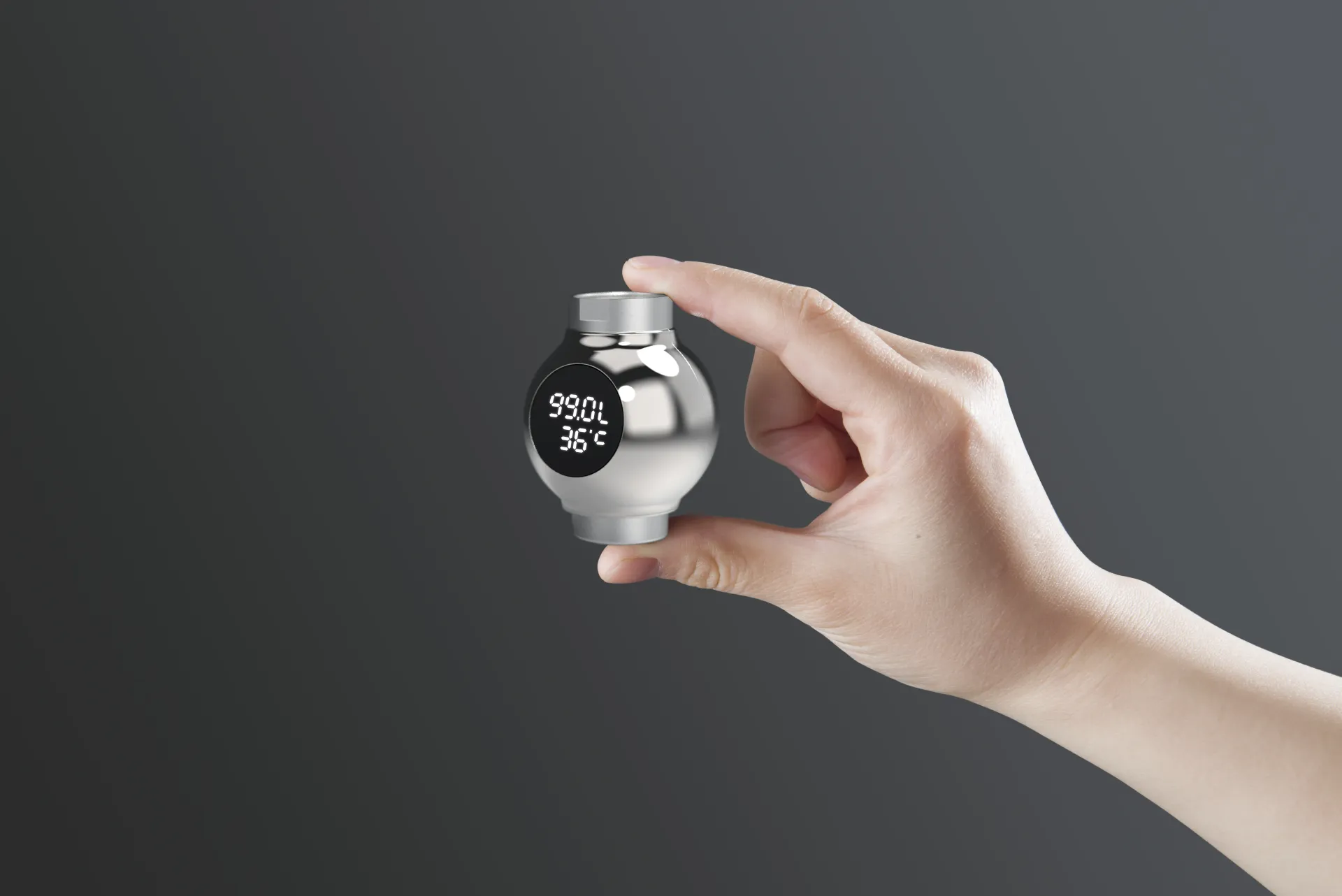
For configurations that show water information at the faucet outlet. Check connection, viewing direction and container clearance, then confirm the model.
View Product and Specifications →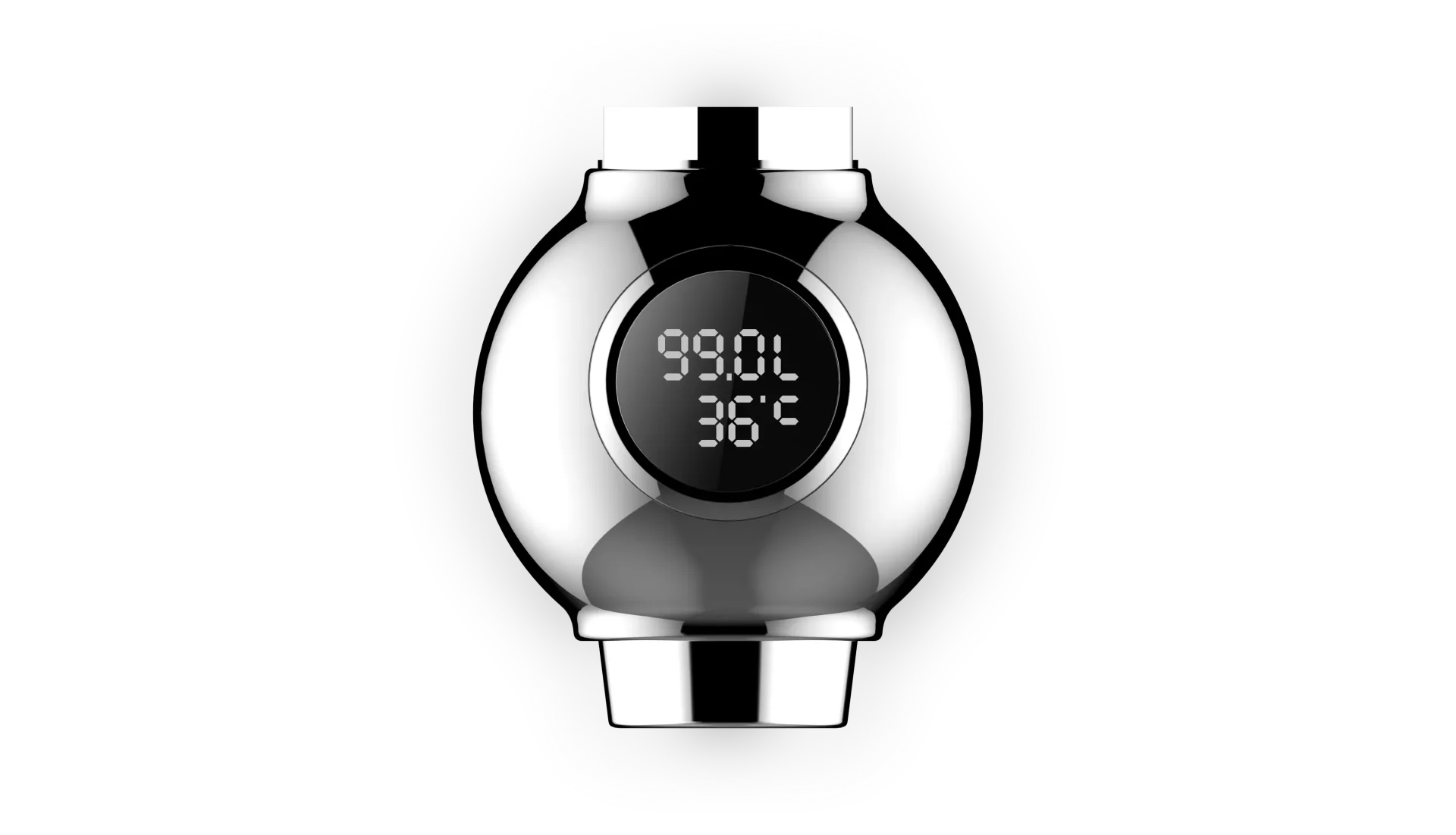
For adding a display at a pipe connection while retaining the existing hand shower. Check installed length and hose routing.
View Product and Specifications →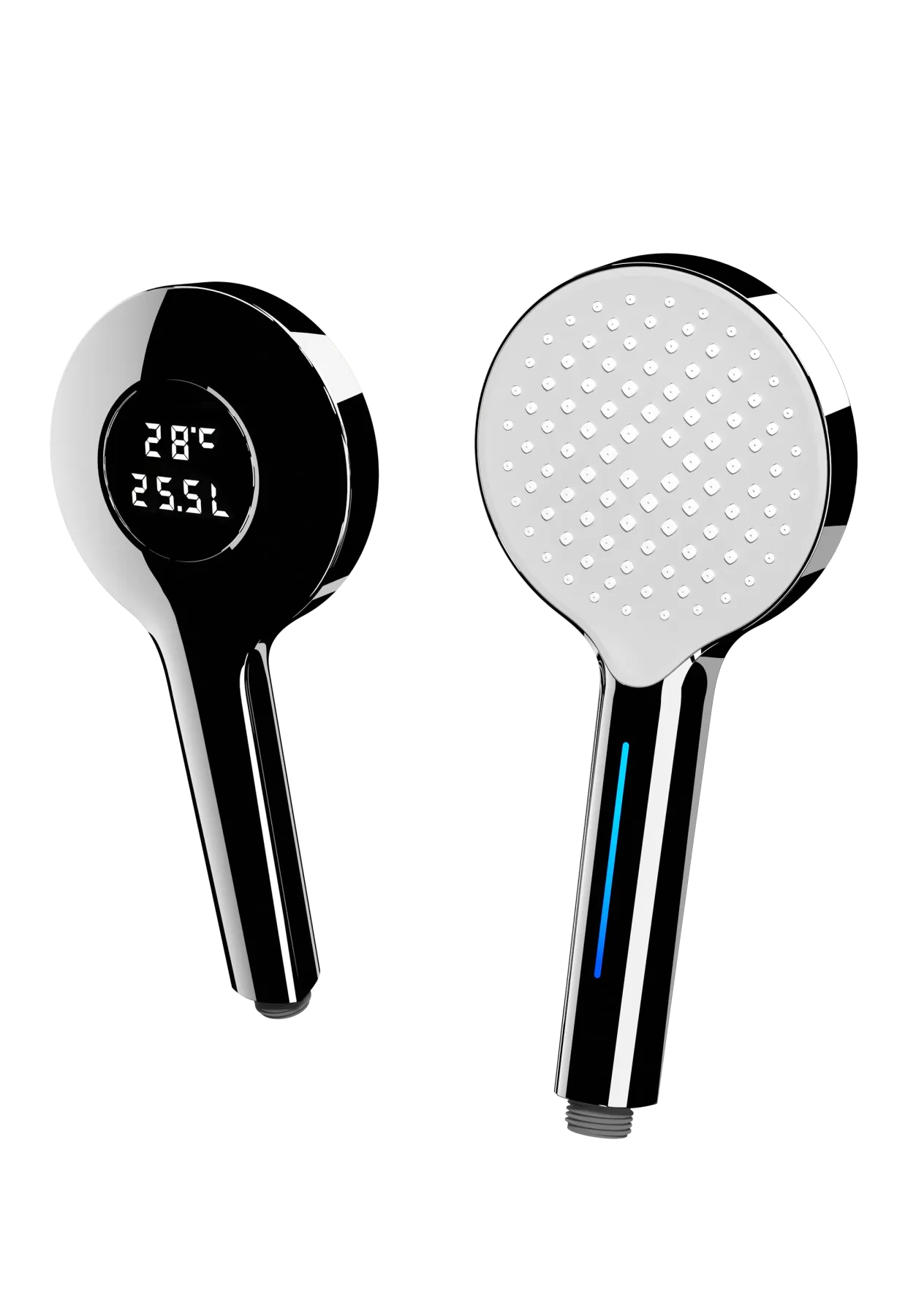
For complete hand-shower programs with a display. Evaluate handling, spray performance and screen readability together.
View Product and Specifications →Running water powers the display; this does not provide heating or thermostatic control.
Confirm displayed information, operating conditions and flow for the final model and configuration rather than applying one model’s features to the whole range.
Use these document pages as inquiry starting points. Specify the model, configuration and destination market to check available coverage and validity.
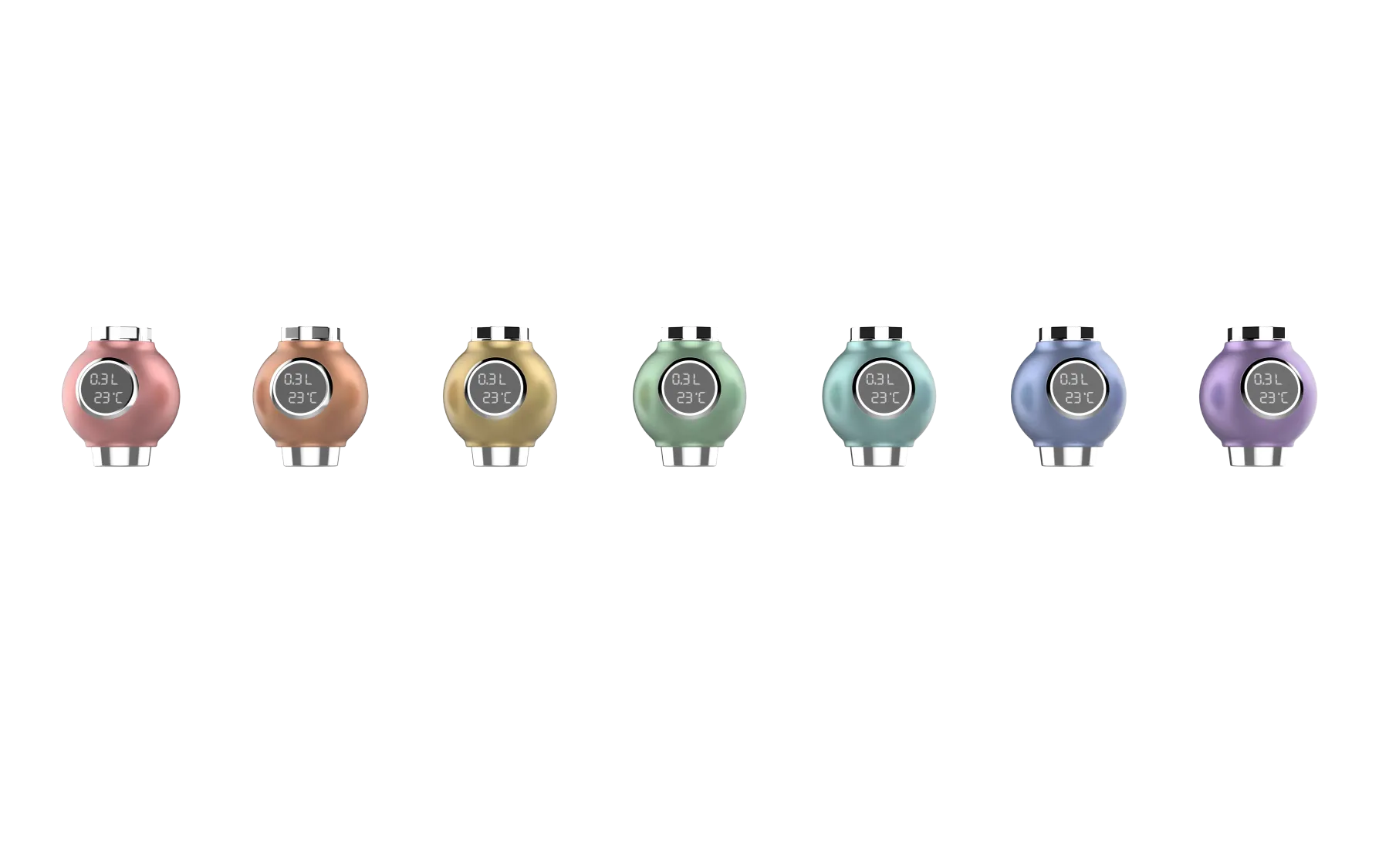
Provide the position, connection, information to be displayed and quantity. Then discuss flow configuration, color, markings and packaging; confirm the model against the drawing before ordering.
Running water powers the display under applicable operating conditions. Confirm startup requirements for the selected configuration.
Compare an inline display, checking connection dimensions, installed length and viewing direction first.
No. The display shows information; the existing hot-water and mixing system determines supply temperature.
Choose the installation format, then confirm the product image, connection and final drawing. Include the required product image with your inquiry to identify the intended structure.
Send a faucet or shower connection photo, whether the existing hand shower will remain and the information you want displayed. These details define the sample format and ordering model.
Request a QuoteQuick Navigation
Use these links to continue into Jay&Min's current product categories, sourcing solutions, certification pages, company capabilities, and contact path.
Ningbo Jay&Min Sanitary Tech Co.Ltd
Ningbo Jay&Min International Trading Company
No. 39, Ruifeng Road, Fenghua District, Ningbo, China